
Imagine that your website attracted 5,000 visitors last month. It sounds like a positive result, but what did those visitors actually do?
Some may have explored your services, read an article or submitted an enquiry. Others may have opened one page and left without taking any action.
Traffic numbers cannot explain the difference.
Google Analytics 4 uses events to record specific interactions across a website. These events help businesses understand how visitors move from their first page view to a form submission, booking or purchase.
The goal is not to track every possible click. A useful GA4 setup focuses on the actions that reveal whether a website is helping visitors and supporting business objectives.
The page_view event records the pages visitors open and provides the foundation for website analysis.
It can show which service pages receive the most attention, which blog articles attract organic traffic and which landing pages introduce people to the business.
However, a page view does not mean that someone read the content or found it useful. This information becomes more valuable when combined with engagement and conversion events.
For example, a service page may receive plenty of traffic but generate very few enquiries. This could suggest that the call to action is unclear, the content does not answer the visitor’s questions or the page attracts the wrong audience.
GA4 Enhanced Measurement can record a scroll event when a visitor reaches approximately 90% of a page.
This can help determine whether people reach important information near the bottom of a service page, landing page or blog article.
If very few visitors reach the final section, the page may be too long or may lose their attention early. It could also mean that an important contact button needs to appear higher on the page.
For longer content, custom scroll events can measure progress at 25%, 50%, 75% and 90%. This provides a clearer picture of where visitors stop reading.
Scroll depth should be treated as an engagement signal rather than a conversion. Reaching the end of a page does not always mean that the visitor is ready to contact the business.
Important website buttons may invite visitors to contact the team, request a quote, book a consultation or view a service.
Tracking these interactions through an event such as cta_click helps identify which messages and page sections encourage people to take the next step.
The event can include details such as the button text, page location, associated service and destination URL.
This allows a business to compare different calls to action. For example, “Book a consultation” may receive more clicks than “Learn more”, or a button placed inside a case study may perform better than the same button in the page header.
This information can guide future improvements to page content and design.
Forms are often the main source of leads for a business website.
GA4 can record form_start when someone begins completing a form and form_submit when the form is submitted.
Comparing these events can reveal whether visitors abandon the form before completing it. If many users start but only a small number finish, the form may be too long, difficult to understand or inconvenient to use on mobile devices.
Automatic form tracking should always be tested. Some forms may trigger a submission event even when validation fails.
A more reliable approach is to track the successful result, such as a confirmation message or thank you page. When an enquiry is successfully received, the recommended generate_lead event can be used.
This event can then be marked as a key event because it represents a meaningful business outcome.
Not every potential customer uses a contact form.
A mobile visitor may click a telephone number and call the business directly. Another person may click an email address to open a new message.
Events such as phone_click and email_click help capture these valuable interactions.
They do not confirm that a call or email was completed, but they demonstrate stronger intent than a normal page view. For many service businesses, these actions are an important part of the conversion journey.
Many websites offer brochures, reports, catalogues, guides or technical documents.
GA4 Enhanced Measurement can automatically record many common downloads through the file_download event.
Download data can show which resources attract the most interest and which pages encourage visitors to access them. It may also reveal where someone is in the decision process.
A visitor downloading a detailed product specification may be showing stronger interest than someone who only visits the homepage.
Using clear and consistent file names will also make GA4 reports easier to understand.
If a website has a search function, the view_search_results event can reveal what visitors are trying to find.
Search terms may highlight services that need greater visibility, topics missing from the website or language that customers use instead of internal business terminology.
For example, if visitors repeatedly search for pricing information, the website may need a clearer pricing page or additional guidance about costs.
Searches that produce no results are particularly useful because they show where website content does not meet visitor expectations.
Videos can explain a complex service, introduce a company or demonstrate a product. However, simply adding a video does not guarantee that visitors will watch it.
Where supported, GA4 can track video_start, video_progress and video_complete.
These events show whether visitors begin watching, how far they progress and whether viewers later complete another important action.
If a video receives many starts but few completions, it may be too long or may not provide useful information quickly enough.
Online stores should track the complete purchase journey rather than only completed orders.
Important GA4 ecommerce events include view_item, add_to_cart, begin_checkout and purchase.
Together, these events reveal where customers leave the sales process.
If many visitors add products to their baskets but do not complete checkout, the website may have unexpected delivery costs, limited payment options or a complicated checkout experience.
This information provides a clearer direction for improvement than total sales numbers alone.
Not every interaction represents equal value.
Key events should normally reflect genuine business outcomes, such as a successful enquiry, consultation booking, account registration or purchase.
Basic interactions such as page views and ordinary button clicks are useful for understanding behaviour, but they should not all be treated as key events. Otherwise, reports can make website performance appear stronger than it really is.
A simple question can help: would the business consider this action a successful result? If the answer is yes, it may be suitable as a key event.
Effective GA4 tracking is not about collecting as much data as possible. It is about understanding how visitors move from interest to action.
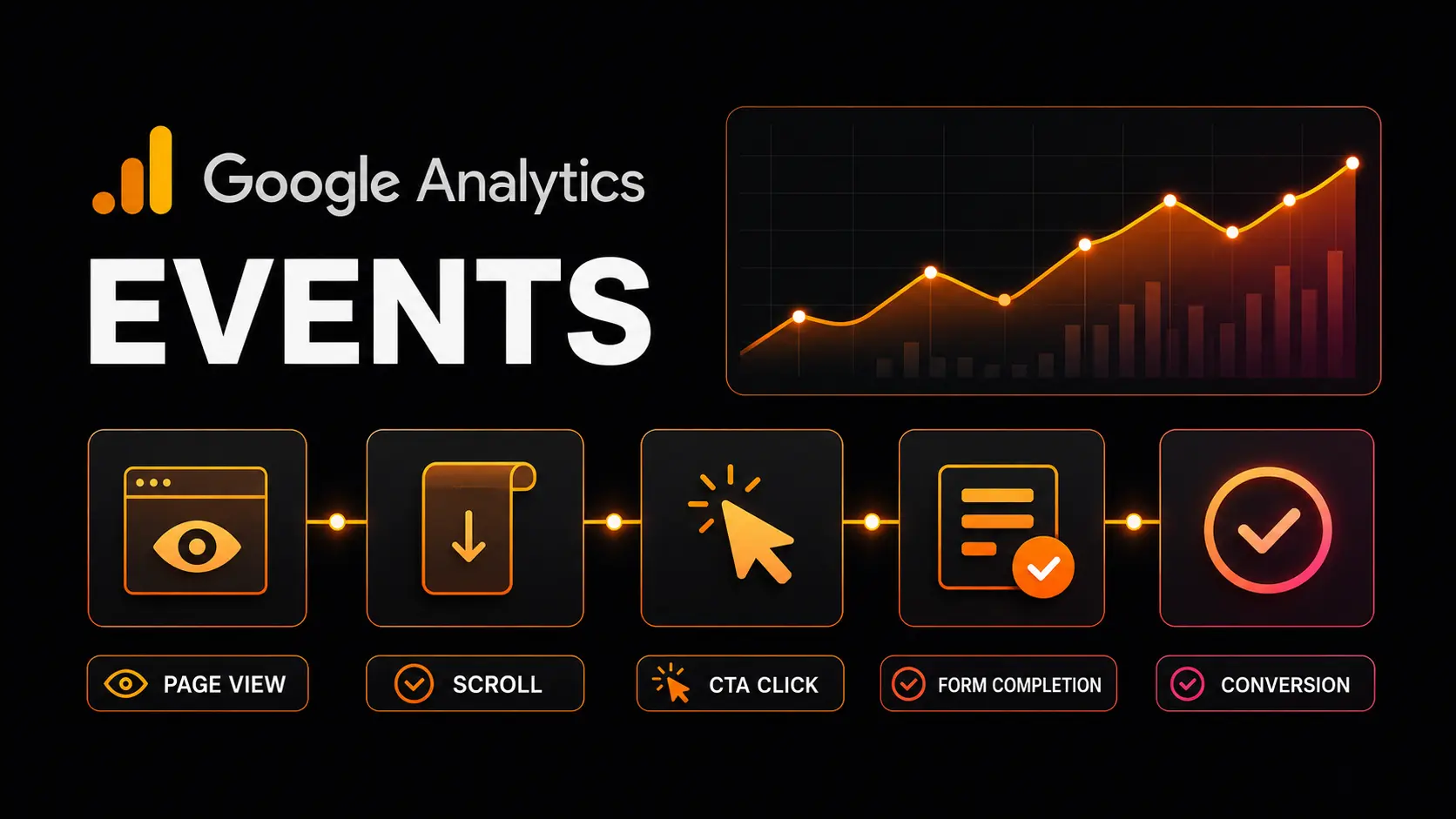
Page views reveal where journeys begin. Scroll and video events show engagement. Button clicks and form starts demonstrate intent. Lead and purchase events measure real results.
When these events are connected, GA4 can show which pages attract potential customers, where visitors lose interest and which marketing activities create genuine business value.
That turns Google Analytics from a traffic counter into a practical tool for improving website performance.







 Add to Preferred Sources